The Odoo Invoicing app lets you create and send invoices in a few clicks.
Auto‑convert sales orders/quotations into invoices and issue them to customers.
Include payment terms on invoices to prompt timely payment.
Send automated reminders for outstanding invoices.
KEY FEATURES
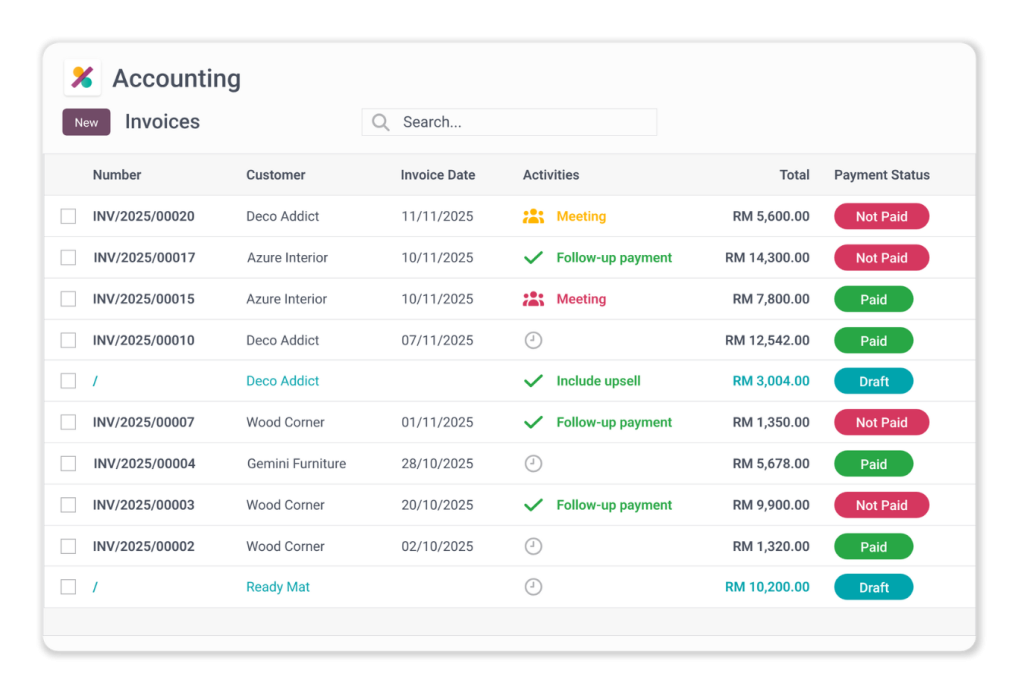
Payment Statuses at a glance
Customer Invoices Overview
Comprehensive Invoice Monitoring: Effortlessly track all invoice statuses through an intuitive list view within the Odoo Invoicing application, providing a clear overview of your financial transactions.
Advanced Analysis and Filtering: Utilise various filtering and grouping options to analyse and view invoices, enabling you to gain deeper insights into your invoicing data.
Proactive Reminder Management: Quickly identify outstanding invoices and send timely reminders to customers, ensuring prompt payment and enhancing cash flow management.
These key features of the Odoo Invoicing Application empower you to maintain control over your invoicing processes and improve overall financial efficiency.
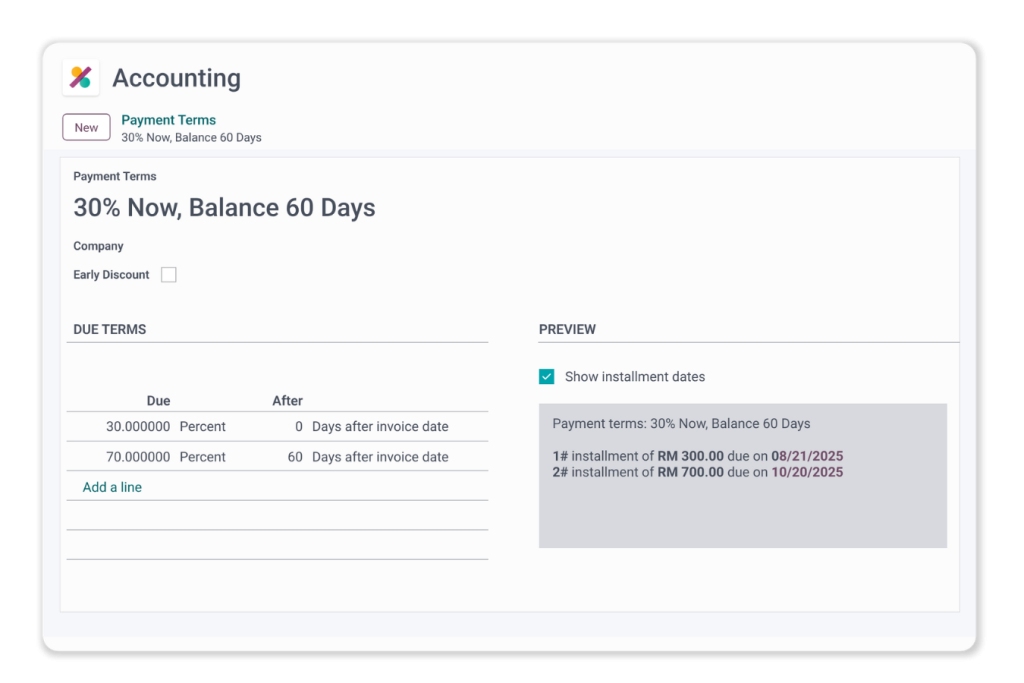
Invoice Payment Terms
Get paid accurately, promptly, and on schedule
Set predefined due dates and amounts to clarify payment expectations.
Define payment term types: bulk, progress, milestone, or advance payments.
Offer instalment plans so customers can pay over a specified period.
These professional payment terms streamline collections and improve client relationships.
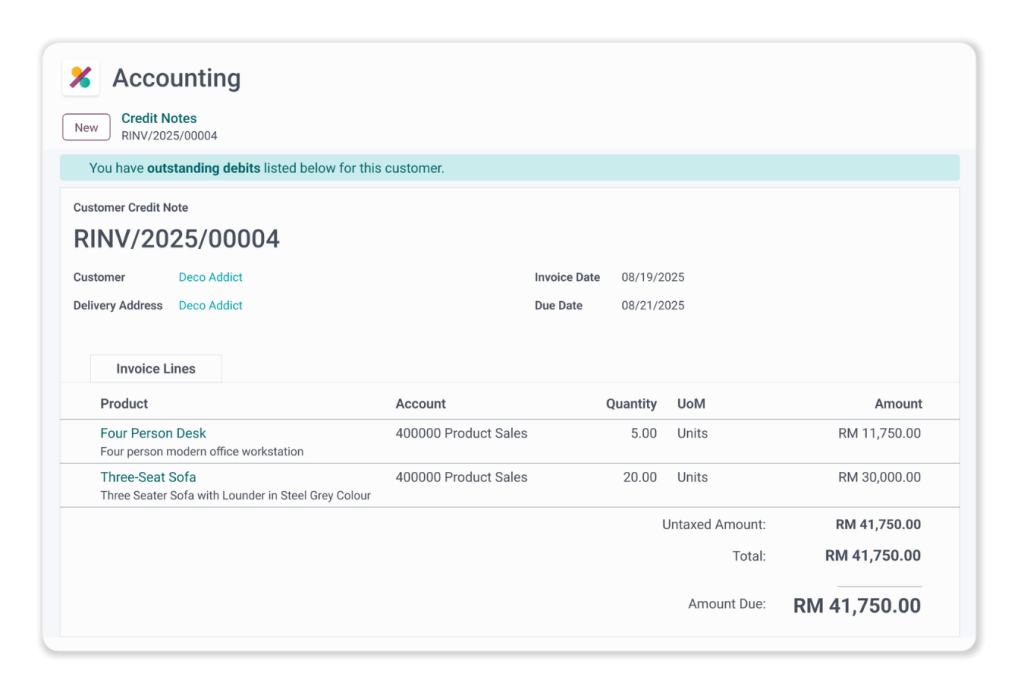
Customer Credit Notes
Building customer trust through transparency
Effortless credit notes: Quickly issue credit notes to customers when adjustments are required, improving transaction clarity.
Automated accounting integration: Automatically record and sync issued credit notes with the accounting system for accurate, up‑to‑date financial records.